
Creating a productive home office environment is essential for anyone working remotely or running a business from home. A well-designed workspace can improve focus, reduce distractions, and help you maintain a healthy work-life balance. Here are practical tips to help you set up a home office that supports productivity and comfort.
Choose the Right Location
The first step in creating a productive home office is selecting the right place in your home. Ideally, this should be a quiet area, away from high-traffic zones like the living room or kitchen.
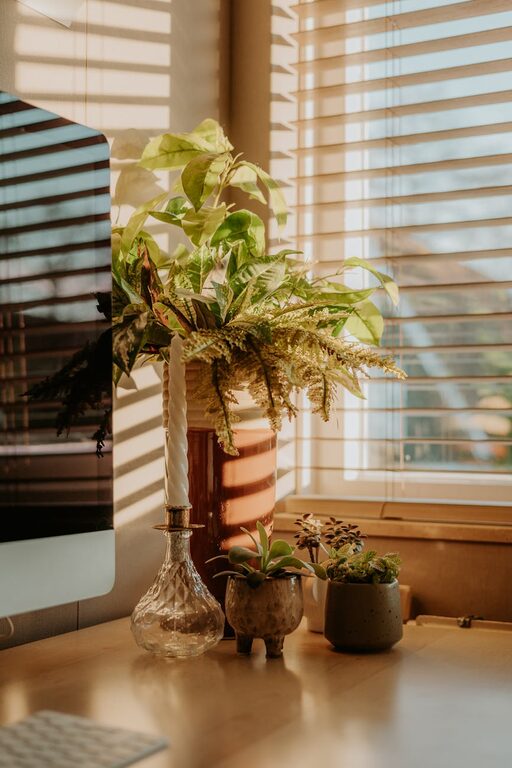
– Consider natural light: A space near a window can provide natural light, which boosts mood and energy.
– Limit distractions: Avoid areas with frequent noise or interruptions.
– Dedicated space: Aim for a dedicated room or corner to help separate work from home life.
Invest in Ergonomic Furniture
Comfort is key when it comes to working efficiently for long hours.
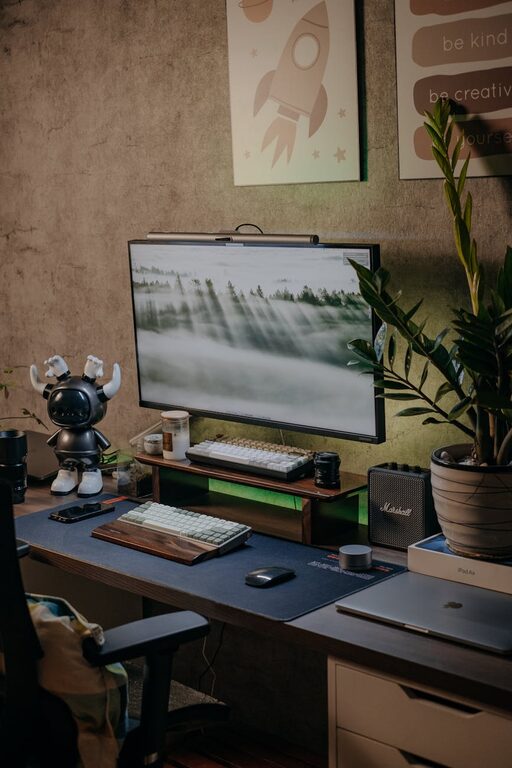
– Desk: Choose a desk with enough surface area for your computer, paperwork, and other essentials.
– Chair: Use an adjustable chair that supports your back and encourages good posture.
– Accessories: Consider items like keyboard trays or footrests to reduce strain.
Organize Your Workspace
A clutter-free workspace can help clear your mind and improve efficiency.
– Storage: Use shelves, drawers, or filing cabinets to keep documents and supplies organized.
– Desk essentials: Keep only frequently used items within arm’s reach to avoid distraction.
– Cable management: Use clips or ties to keep cords neat and out of the way.
Optimize Lighting
Proper lighting reduces eye strain and keeps you alert.
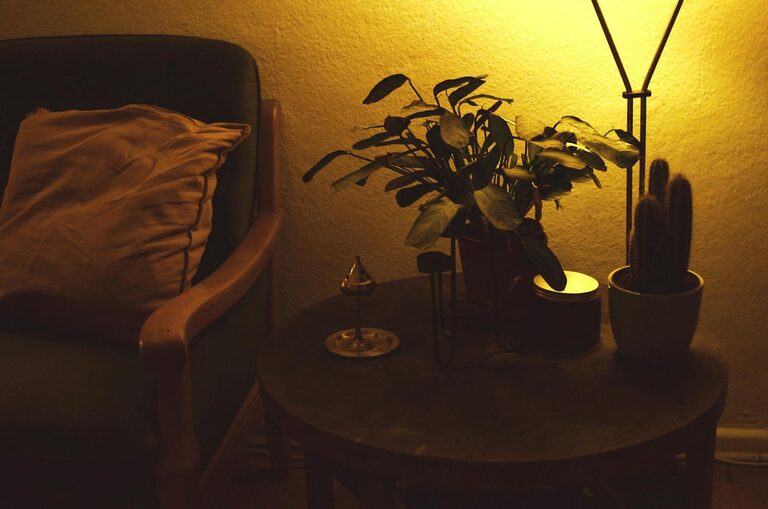
– Use layered lighting: Combine natural light with task lamps and overhead lights.
– Adjust screen brightness: Match your monitor brightness with ambient light for comfort.
– Avoid glare: Position your screen perpendicular to windows to prevent reflections.
Manage Noise Levels
Noise can be disruptive, so managing sound is important.
– Soundproofing: Use rugs, curtains, or foam panels to absorb noise.
– White noise: Consider a white noise machine or soft background music to mask distractions.
– Headphones: Noise-canceling headphones help maintain focus in noisy environments.
Establish a Routine
Having a daily schedule helps maintain productivity and work-life balance.
– Set working hours: Define clear start and end times.
– Breaks: Take regular breaks to stretch, rest your eyes, and refresh your mind.
– End of day rituals: Create habits that signal the end of work, like shutting down your computer or tidying your desk.
Personalize Thoughtfully
A personalized workspace can be inspiring but avoid clutter.
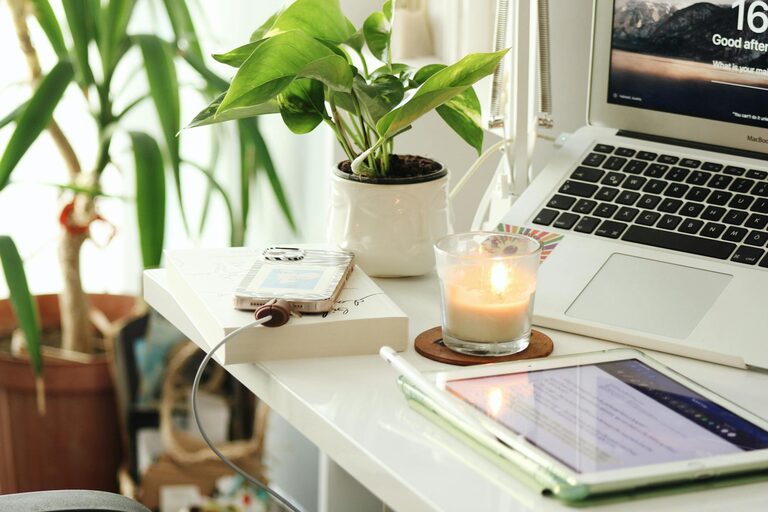
– Add plants: Indoor plants can improve air quality and add a calming element.
– Decor: Use artwork or personal photos for positivity without overcrowding the space.
– Scent: A mild, pleasant aroma through candles or diffusers can create a welcoming atmosphere.
Use Technology Wisely
Technology can streamline work but use it mindfully.
– Reliable internet: Ensure your connection is fast and stable.
– Tools and apps: Use productivity apps, calendars, and communication tools to stay organized.
– Limit distractions: Turn off non-essential notifications during focused work times.
Maintain Cleanliness
A clean workspace promotes clarity and reduces stress.
– Daily tidying: Spend a few minutes at the end of each day to organize.
– Regular cleaning: Dust surfaces and clean electronics to maintain hygiene.
– Refresh the air: Open windows occasionally to circulate fresh air.
Set Boundaries with Others
If you share your home with others, clear communication is vital.
– Inform about your schedule: Let family or housemates know your work hours.
– Create signals: Use signs or closed doors to indicate “do not disturb” times.
– Designate quiet times: Agree on periods when the household maintains low noise levels.
—
By following these tips, you can build a home office environment that not only enhances productivity but also contributes to your overall well-being. Remember that your workspace evolves, so regularly assess your setup and make adjustments as needed to stay comfortable and efficient.
About the Author